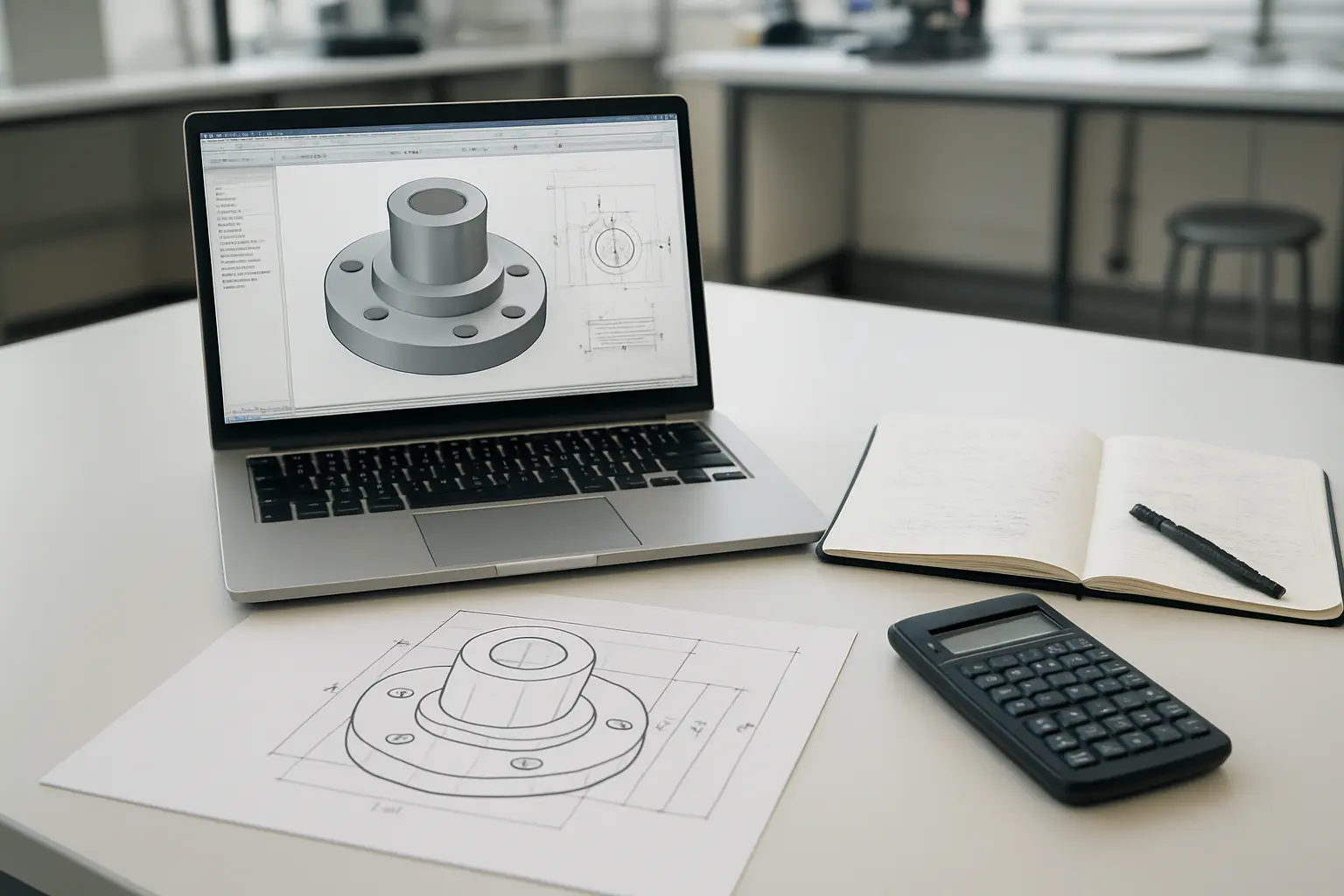
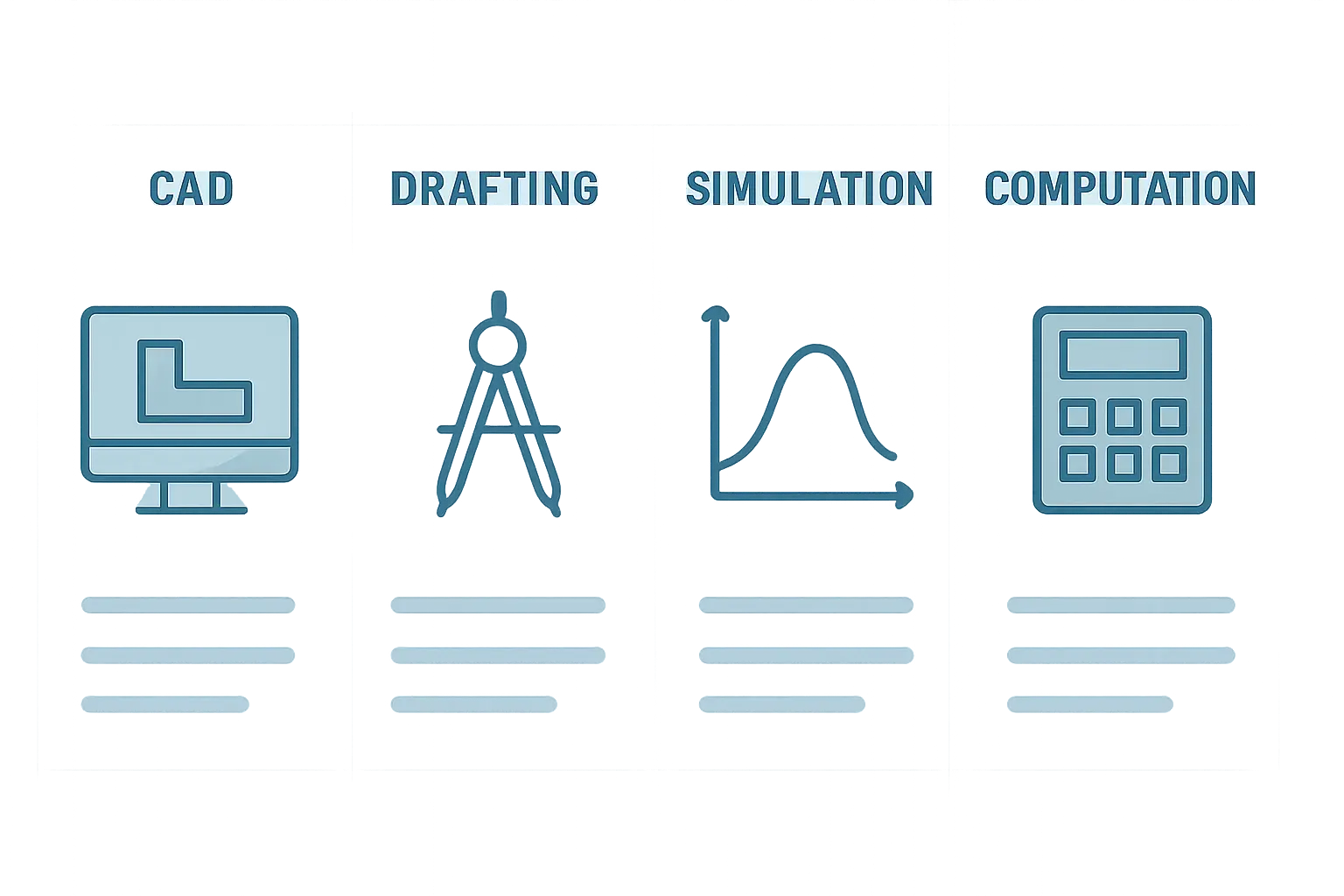
Four tools cover almost every Malaysian mechanical engineering FYP: SolidWorks or AutoCAD for 3D modelling and drawings, ANSYS for simulation and finite element analysis, and MATLAB for numerical computation and control-system work. Most students will not need all four — the right combination depends on whether your FYP is a design project, a simulation-heavy analysis, or a computational/control study.
| Tool | Category | Best for | Access |
|---|---|---|---|
| SolidWorks | 3D CAD modelling | Design-based FYPs producing a physical part, assembly or prototype | Typically via your faculty’s lab licence — check with your department |
| AutoCAD | 2D/3D CAD drafting | FYPs needing detailed technical drawings, especially where 2D drafting is still standard | Autodesk runs an education access programme — check current eligibility on Autodesk’s own site |
| ANSYS Student | Simulation / finite element analysis | FYPs testing stress, thermal, fluid or structural behaviour of a design | Free — Ansys Student bundle, downloadable directly from Ansys |
| MATLAB | Numerical computation, control systems, data analysis | FYPs involving control-system design, signal processing, or custom numerical modelling | Free through most universities’ MathWorks Total Academic Headcount licence |
SolidWorks — Modelling a Physical Design
SolidWorks is the standard parametric CAD tool for a design-based mechanical FYP — building a part, an assembly, or a full prototype where you need accurate dimensions, tolerances and an assembly that actually fits together. It produces the technical drawings your Chapter 3 design documentation and Chapter 4 fabrication evidence both need. Most Malaysian engineering faculties license SolidWorks for lab use rather than expecting students to buy an individual licence — confirm with your department what access you actually have (lab-only, a student edition, or a time-limited licence tied to a course) before committing your FYP design to it, since access terms differ by faculty and can change between semesters.
AutoCAD — When 2D Drafting Still Matters
AutoCAD remains the standard where detailed 2D technical drawings are still the expected deliverable — certain manufacturing-drawing conventions, some industrial-design FYPs, and faculties whose drawing standards were built around 2D-first workflows. Autodesk operates an education access programme for students and educators; eligibility, what is included, and current terms change periodically, so check Autodesk’s own education pages directly rather than relying on older articles or forum posts, and confirm through your faculty whether a lab licence is already available before assuming you need an individual account.
ANSYS Student — Free Simulation and Finite Element Analysis
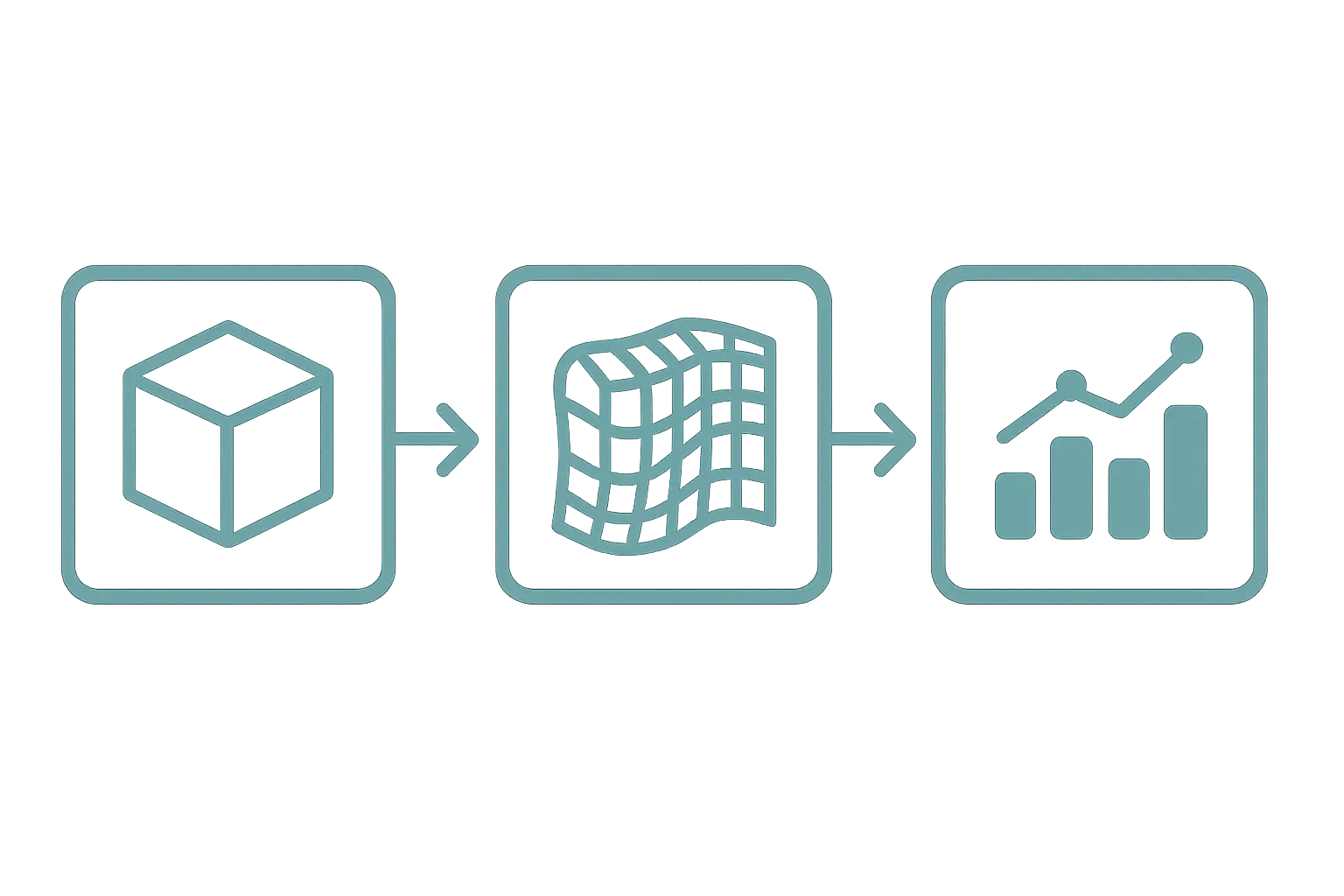
Ansys makes a free Ansys Student bundle available to students at all levels, downloadable directly from its own site, and it is the single most useful free tool on this list for a simulation-heavy mechanical FYP. The bundle includes Ansys Mechanical (structural and thermal finite element analysis), Ansys CFD (fluid dynamics), Ansys Discovery (fast, interactive simulation), and several more specialised modules. For a Chapter 4 that reports stress distribution, thermal behaviour, or fluid flow around a design, naming the specific module used — “structural analysis was conducted in Ansys Mechanical, with mesh convergence tested at three refinement levels before the final run” — is a far stronger methodology sentence than “simulation software was used.”
MATLAB — Computation, Control Systems and Data Analysis
MathWorks provides MATLAB and Simulink free to students through most universities’ own institutional site licences — check the “Get MATLAB” access route your own faculty provides rather than assuming you need to buy an individual licence, since the free school-provided access covers full MATLAB and Simulink functionality for the great majority of undergraduate FYP needs. MATLAB is the standard choice for control-system design and simulation (using Simulink specifically for block-diagram-based dynamic system modelling), signal processing, and any FYP requiring custom numerical methods that off-the-shelf CAD or simulation software cannot handle — for example, writing your own iterative solver for a heat-transfer problem, or processing sensor data collected from a physical prototype.
Do You Actually Need All Four Tools?
Rarely. Most mechanical FYPs use two of the four — a CAD tool to build the geometry and either ANSYS for simulation or MATLAB for computation, depending on whether the project is physically or analytically driven. Trying to force all four into a single project’s methodology section, when only two were genuinely used, is a pattern examiners notice quickly and read as padding rather than depth.
Choosing by FYP Type
- Design and fabrication project (a physical part or assembly you build and test) — SolidWorks for the model and drawings, ANSYS Student if you also simulate stress or thermal behaviour before fabrication.
- Simulation-only analysis (no physical prototype, purely computational) — ANSYS Student as the primary tool, with a CAD tool only to build the geometry being simulated.
- Control systems / mechatronics — MATLAB and Simulink as the primary tools, with SolidWorks only if a physical mechanism also needs to be modelled.
- Experimental FYP with data analysis (physical testing, sensor data, no simulation) — MATLAB or a spreadsheet tool for processing and plotting results; CAD only if the test rig itself needs to be designed.
Reporting Your Software Choices in Chapter 3
A worked, illustrative methodology sentence: “The bracket geometry was modelled in SolidWorks 2024 based on the dimensional constraints in Table 3.1. Static structural analysis was conducted in Ansys Mechanical (Student version), with a tetrahedral mesh refined until the maximum von Mises stress result changed by less than 2% between successive refinements, confirming mesh convergence.” Notice the sentence names the specific tool, the specific analysis type, and the specific convergence criterion — each of these is something an examiner can actually evaluate, unlike a generic claim that “simulation was performed.”
Version Control and Backing Up Your Model Files
CAD and simulation files grow large and change frequently across a semester, and losing a model three weeks before submission is an entirely avoidable disaster. Keep dated copies of major milestones rather than saving over the same file repeatedly — “bracket_v3_after_mesh_review.SLDPRT” tells a much clearer story than a single file silently overwritten a dozen times. Cloud storage (your university’s provided storage, or a personal account) with automatic sync is the minimum safety net; some faculties also expect a version history or change log as part of the design-documentation appendix, so check whether your own department requires this before treating it as optional. ANSYS and MATLAB project files should be backed up the same way — a lost .mat file with your control-system parameters is just as costly as a lost CAD assembly.
Lab Access and Software Licensing Timelines
Faculty software licences are not always available the moment you need them — SolidWorks and ANSYS lab seats can be shared across a whole cohort, and MathWorks institutional licences sometimes require an activation step through your student email before first use. Confirm access to every tool your FYP depends on in the first two weeks of the semester, not the week before your first deliverable is due, since a licence-activation delay is a poor excuse a supervisor will not accept once your project timeline has already assumed the software was ready.
Common Mistakes When Choosing FYP Software
- Committing a design to a tool before confirming what licence access your faculty actually provides.
- Running a simulation without reporting a mesh-convergence check, making the result impossible for an examiner to trust.
- Using a free-tier or trial tool whose licence terms actually prohibit the specific use case in your FYP without reading the terms first.
- Switching CAD tools partway through a project because a classmate recommended a different one, losing model compatibility and rework time.
- Reporting “MATLAB was used for analysis” without naming which specific function, toolbox or script logic actually produced the reported numbers.
Frequently Asked Questions
Do I need to buy any of these tools personally?
Most Malaysian engineering students get access through their faculty’s lab licences or an institutional student programme rather than buying individually — check with your department before assuming a personal purchase is necessary.
Can I use a free alternative like FreeCAD instead of SolidWorks?
Some faculties accept open-source alternatives for early-stage modelling, but check whether your faculty’s submission format or drawing standard specifically expects SolidWorks or AutoCAD output before committing a full FYP to a different tool.
Is Ansys Student powerful enough for a real FYP, or only for practice?
It is the same core simulation engine used commercially, with the same accuracy for the problem sizes typical of an undergraduate FYP — the student version’s limitations are mainly around model size and certain advanced modules, which rarely constrain a typical FYP-scale analysis.
Do I need MATLAB if my FYP is purely a CAD design project with no simulation or computation?
Not necessarily — a spreadsheet is often sufficient for simple calculations in a design-only FYP; MATLAB earns its place specifically when the analysis needs custom numerical methods, control-system modelling, or processing larger datasets.
Can I combine SolidWorks Simulation instead of ANSYS if my faculty licenses it?
Yes — SolidWorks Simulation is a built-in finite element analysis add-on and a reasonable alternative if your faculty already licenses it, though ANSYS is more widely recognised in the literature for benchmarking against published results.
How do I know which mesh density is “good enough” for my simulation?
Run the same simulation at two or three progressively finer mesh densities and check whether your key result (stress, temperature, flow value) stops changing significantly between them — report this convergence check explicitly rather than picking one mesh density and hoping it is fine.
What if my university doesn’t provide a MathWorks licence?
Confirm directly with your IT department or library, since institutional MATLAB access is extremely common at Malaysian universities; if genuinely unavailable, MathWorks’ own student software page is the correct place to check current individual options rather than relying on outdated information.
Should I learn Python instead of MATLAB for my FYP?
Both are used in Malaysian engineering programmes; MATLAB’s built-in toolboxes (Simulink especially) make it faster to get started for control-systems and signal-processing FYPs without extensive coding background, while Python offers more flexibility for students already comfortable programming — choose based on what your coursework has already taught you and what your supervisor is most able to guide you through.
Can I switch from AutoCAD to SolidWorks partway through my FYP if I realise I need 3D modelling?
It is possible but costly in rework time, since drawings do not transfer cleanly between fundamentally different modelling approaches — decide early, based on whether your final deliverable genuinely needs parametric 3D assembly modelling or purely 2D drafting, rather than defaulting to whichever tool you happen to know already.
Once your tool choices are set, Tesify can help you turn your methodology decisions into a fully drafted Chapter 3 — you remain responsible for verifying every technical detail and licence claim it produces. Draft your FYP chapters with Tesify.
For the general methodology chapter structure this comparison feeds into, see how to write the methodology chapter of a Malaysian FYP or thesis. For a comparable chapter-3 approach without a large respondent sample, see how to write Chapter 3 for a civil engineering FYP without respondents. For statistical software if your FYP also needs data analysis beyond MATLAB, see best statistical software for a Malaysian FYP or thesis. For reporting your simulation or test results once analysis is complete, see how to write the results chapter of your FYP or thesis. For document tools to write up your final report, see Microsoft Word vs Google Docs vs LaTeX for a Malaysian thesis.